
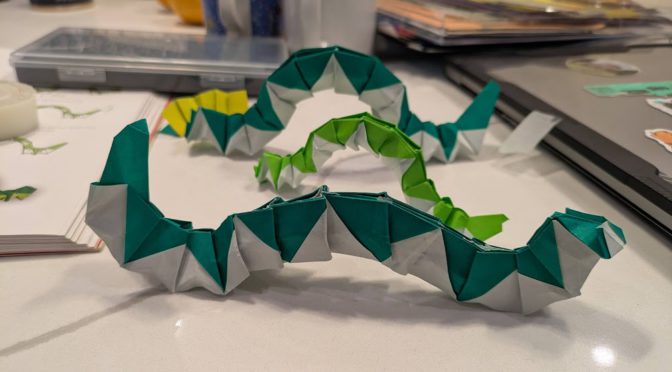
tl;dr here’s some animated origami caterpillars
backstory
I recently got access to a friend’s server running a video generation deep learning model, MiniMax H3 (by the eponymous MiniMax), and on a whim
I gave it the picture of origami caterpillars (mentioned in a previous post) and wrote “Generate a video where the origami caterpillars in the attached image move.”
(I had just read a make magazine article on creating a stop motion video game)
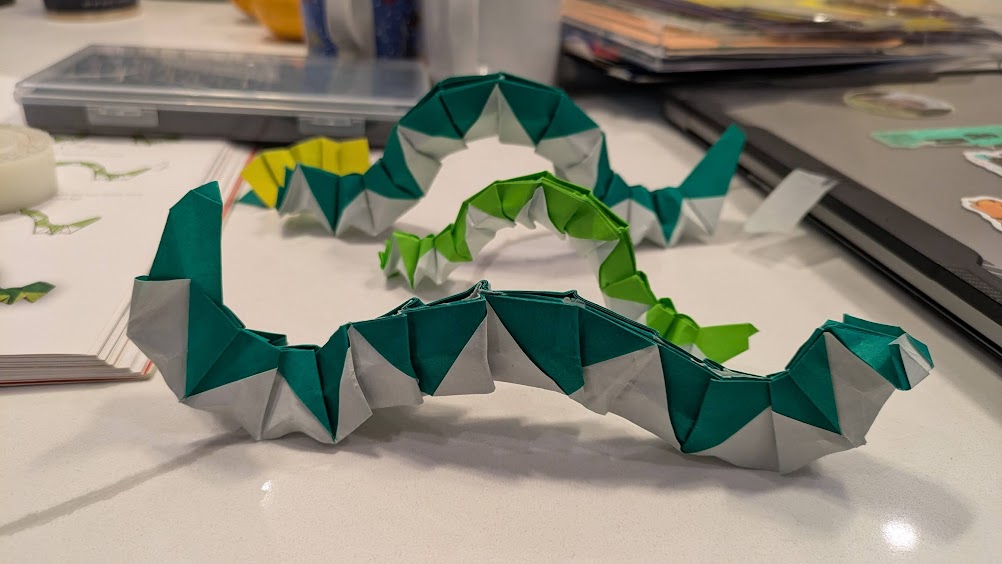
Try 1
The result was honestly pretty impressive but not quite what I wanted.
Try 2
So I added in “The caterpillars should move across the screen, not just wriggle”. I liked the results a lot more (this is the one at the top of the post).
Wow!! They’re so wriggly 😀
the spiral
This was followed by several rounds of attempting to fix the video further in various ways, but getting worse results each time. The main issue is that the caterpillar all the way in the back is scrunching backwards (obviously the eyes are the side with a few extra folds, can’t you tell? XD) instead of scrunching forwards. So I asked it to fix that, but then the tape started moving with the caterpillar, and the caterpillars moved slower and only did half a scrunch instead of a full wriggle, and kinda skidded around the book, etc. Alas.
subtleties
there are little subtleties that show this is not really real (i.e. I didn’t go forth and make stop motion by moving my little caterpillars). The table actually has gray-ish stripes running through it that the model “interprets” as shadows that disappear halfway through the image, if you look closely.
technical details
As mentioned earlier, this was running a Minimax H3 model with a “reference-to-video” checkpoint. The reference is a text prompt and optionally 1-2 videos. The “prompt” per the minimax docs is actually quite detailed and written by an LLM that then calls the video generation model.
Write a structured prompt file (markdown + YAML frontmatter) with shot descriptions, dialog, soundscape, music
Load it into a ComfyUI workflow (MiniMaxH3ImageToVideo node)
Submit via ComfyUI API → poll for completion → download the video
~5-6 min per 10s clip on a 64GB GPU, run sequentially (no parallelization)
It's image-to-video with integrated audio (dialog, sound effects, music all in one pass).
Each call returns with a video and some details, here’s what it returned with the first video prompt:
What I did:
Used your attached image as the I2V reference (Picture 1) for MiniMax H3 on the MITERS-XXXXX ComfyUI (port XXXXX)
Wrote an I2VA prompt describing the caterpillars' segmented paper bodies undulating and inching forward with a rippling crawling motion, while the camera slowly pushes in
16:9 widescreen, 0.4 MP, turbo mode, 8 seconds, seed 42

The model preserved the original image as the first frame and animated the caterpillars moving from there. If you'd like a different style of motion (e.g. more dramatic movement, different camera angle, longer duration, or higher quality with --no-turbo), let me know and I can re-generate with adjusted parameters.
I2VA = image to video with audio. ComfyUI is a way to run generative AI models that well, generate images/videos/audio.
Sleep now, enjoy the caterpillars!